Accessories

Hear What’s Next – Stay Connected to the Future of Sound.

Meridian customers - create an account so you can register your product(s) for your extended warranty.
Dealers, integrators, and installers - create an account to request access to Dealer Resources and/or apply to become a Meridian dealer.
Accessories
Accessories
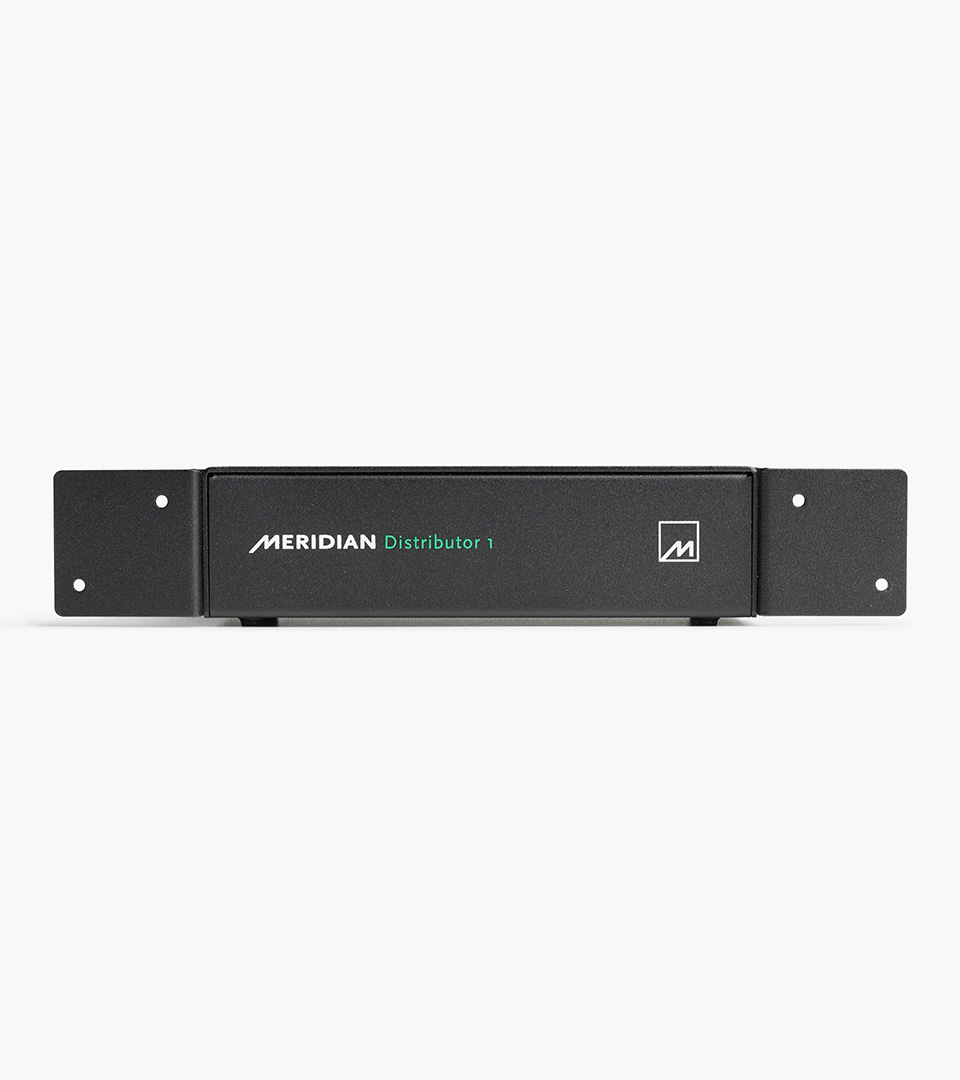
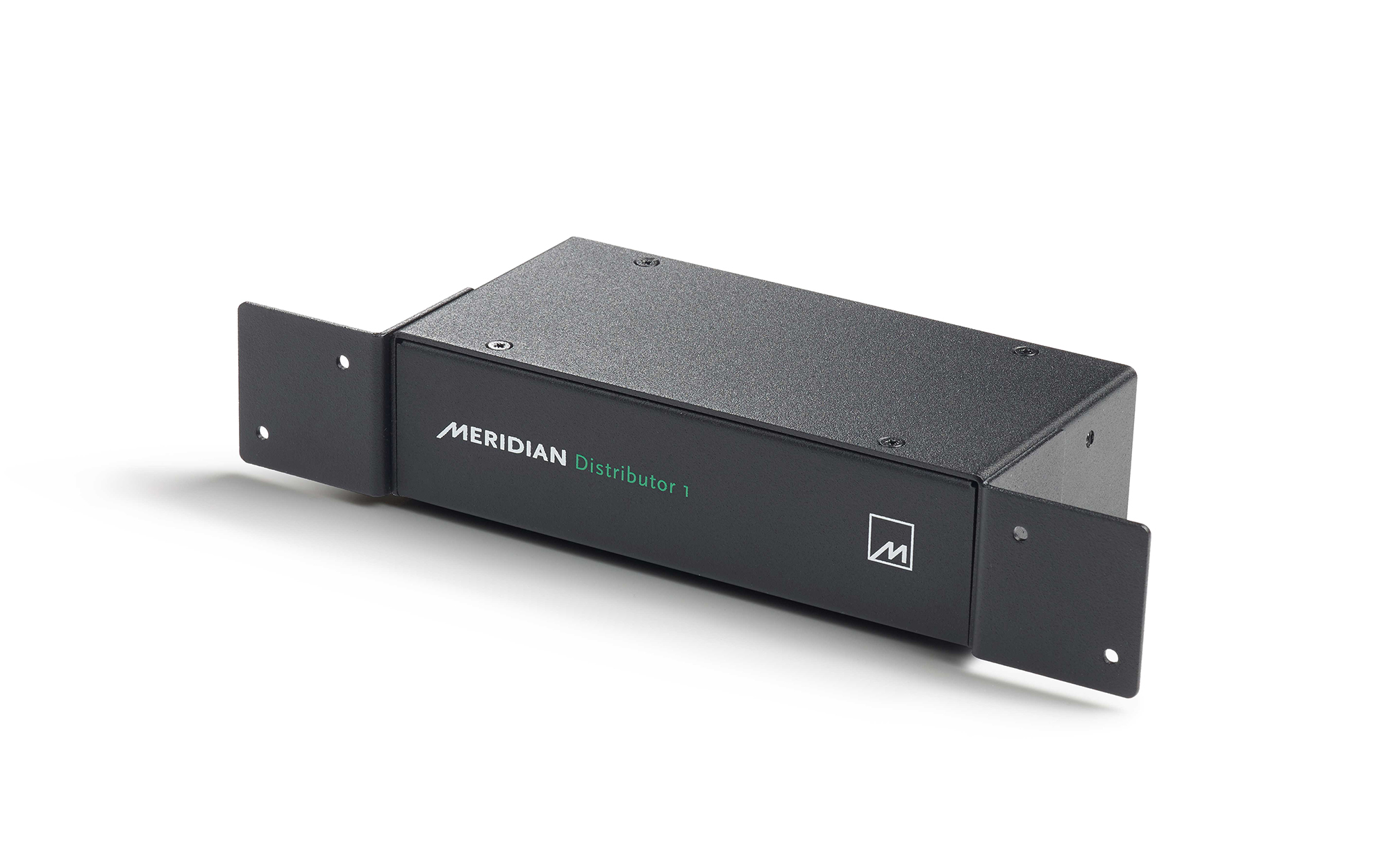
Distributor 1
The Distributor 1 is a simple single zone solution that allows you to easily integrate analogue, digital and SpeakerLink audio into Meridian digital active loudspeakers. It is ideal for taking audio from an output of a HDMI matrix system to provide high-quality audio from video sources.
Adds more inputs to Meridian Digital Active loudspeakers. It provides a SpeakerLink passthrough, a digital co-ax input and an analogue input via its high-quality onboard ADC.
Allows RS232 control of Meridian loudspeakers from third-party control systems via its 9-pin DSub connector.
An excellent aid while setting-up and troubleshooting systems featuring Meridian Digital Active loudspeakers. Allows audio playback to be monitored “on-the-fly” while experimenting with changing settings via RS232.


Here you will find a quick overview of the product highlights and features.
Here you will find a summary of the complete range of Meridian products in one document.
AUDIO INPUTS
1 x RS232 control signal (DB9)
1 x SpeakerLink (RJ45)
1 x Analogue stereo pair (phono) converted internally to 24-bit 96kHz digital
1 x Digital S/PDIF coax (phono)
1 x USB B type for configuration if required
AUDIO OUTPUTS
2 x SpeakerLink (RJ45, Master & Slave)
Digital Aux S/PDIF coax (phono) for linking between zones
DIMENSIONS / WEIGHT
HEIGHT: 42mm [1.65in]
WIDTH: 160mm [6.3in]
DEPTH: 80mm [3.15in]
WEIGHT: 575kg (1.27lb)
POWER
2W via Meridian Speakerlink /USB
The Distributor 1 contains one Distributor module within its case, whereas the Distributor 3 contains three modules. Within the Distributor 3, the three internal modules are completely independent of each other within the case. The Distributor 3 is no longer in production.
Its main application is to add audio and control connectivity to Meridian Digital Active loudspeakers and the systems in which they are used. Some Meridian loudspeakers have only one input and one output and these are in the form of Meridian 'SpeakerLink', a proprietary interface. Other models have a few additional connections, but their use with non-Meridian equipment is still limited in functionality. The Distributor opens up the loudspeakers for many other uses with third-party equipment. The Distributor also has applications which involve no Meridian loudspeakers and, in fact, no Meridian equipment whatsoever.
Although not a pre-amplifier in the traditional sense of the term, the Distributor can carry out some of the functions of a pre-amplifier. It acts as an 'input switch' for a pair of Meridian Digital Active loudspeakers and it accepts commands to control volume and source selection. However, these commands must be in the form of Meridian comms or RS232, rather than front-panel controls or infra-red reception.
When connected via SpeakerLink to certain models of Meridian loudspeaker, the Distributor takes its power over this connection and does not need an external PSU. However, the following legacy models cannot provide this power, and an external PSU is required; DSP420, all non-SE versions of DSP5200, DSP7200 and DSP8000 (except DSP8000 XE), all non-SE 'HC' models of DSP5200 and DSP7200. A suitable PSU is available from Meridian through our authorised distribution network.
The RS232 commands used by Meridian DSP loudspeakers are used. These can be found on Meridian TechNote TN51. It can be useful to note that, although the Distributor receives RS232 commands, the unit does not act on these commands itself. Rather, the commands are sent out of the SpeakerLink output to be acted on by the Meridian product 'downstream' of the Distributor. Meridian comms is then used to send relevant commands, such as source selection, back along the SpeakerLink connection to the Distributor.
There are at least two uses for the SpeakerLink input:
• In applications where the Distributor is acting as an 'input expander' for a pair of Meridian loudspeakers, the SpeakerLink input provides a connection for use with a SpeakerLink output from another Meridian product.
• RS232 commands received by the Distributor are fed to its Master SpeakerLink output along with digital audio from whichever input is selected on the unit. Hence, when the SpeakerLink input is selected, a method of injecting RS232 into the otherwise sealed SpeakerLink interface between Meridian products is provided.
When the analogue input is selected, the Distributor uses high-quality A to D circuitry to convert analogue audio on this input into a digital audio signal running at 96kHz with 24 bit precision. This digital audio is switched through to the 'Digital aux' and the SpeakerLink output sockets.
When the digital input is selected, digital audio present on the input is switched through to the Digital Aux and SpeakerLink outputs.
You may not need to. Although the inputs can be assigned to any of the twelve sources available on a Meridian system, by default they are already assigned to three of those sources. If the default arrangement is not appropriate, the Distributor can be configured as described on Meridian TechNote TN50.
The factory settings are CD = Digital input, Radio = Analogue input, Aux (SLS) = SpeakerLink input.
The RS232 commands for these are CD, RD and AX respectively.
Further configuration details can be found on Meridian TechNote TN50.
Yes. This is useful if a suitable Serial-to-SpeakerLink cable is not available. Once the Distributor is connected to the SpeakerLink input socket on the loudspeaker using a network cable, firmware can be sent to the loudspeaker through a null-modem (crossover) RS232 cable. A typical set-up would include laptop, USB-to-serial adapter, null modem RS232 cable, Distributor, network cable, loudspeaker. Note that it is essential to use a null-modem RS232 cable for this to work.
Yes. By default, when a Meridian subwoofer is added to such a system, the left and right loudspeakers receive a bass-limited signal. Their bass is crossed-over to the subwoofer. In some applications, this will achieve the desired effect. However, if you are looking to add bass on top of that produced by your left and right loudspeakers, the loudspeakers need to be set as full-range. This is done by sending each loudspeaker the relevant RS232 command. This can be done using a Serial-to-SpeakerLink lead or by using the Distributor as a Serial-to SpeakerLink converter. Next, if the system features a Meridian Digital Pre-amp product, its subwoofer controls can be used to tune the overall sound by adjusting the gain and the filter used by the subwoofer. However, if no Digital Pre-amp is present, the Distributor can be used to allow the sound to be tuned to suit while playing music. This is done by adjusting the gain and filter settings for the subwoofer via RS232 commands sent from a PC.