Zone Control

Hear What’s Next – Stay Connected to the Future of Sound.

Meridian customers - create an account so you can register your product(s) for your extended warranty.
Dealers, integrators, and installers - create an account to request access to Dealer Resources and/or apply to become a Meridian dealer.
Zone Control
Zone Control
UHD121
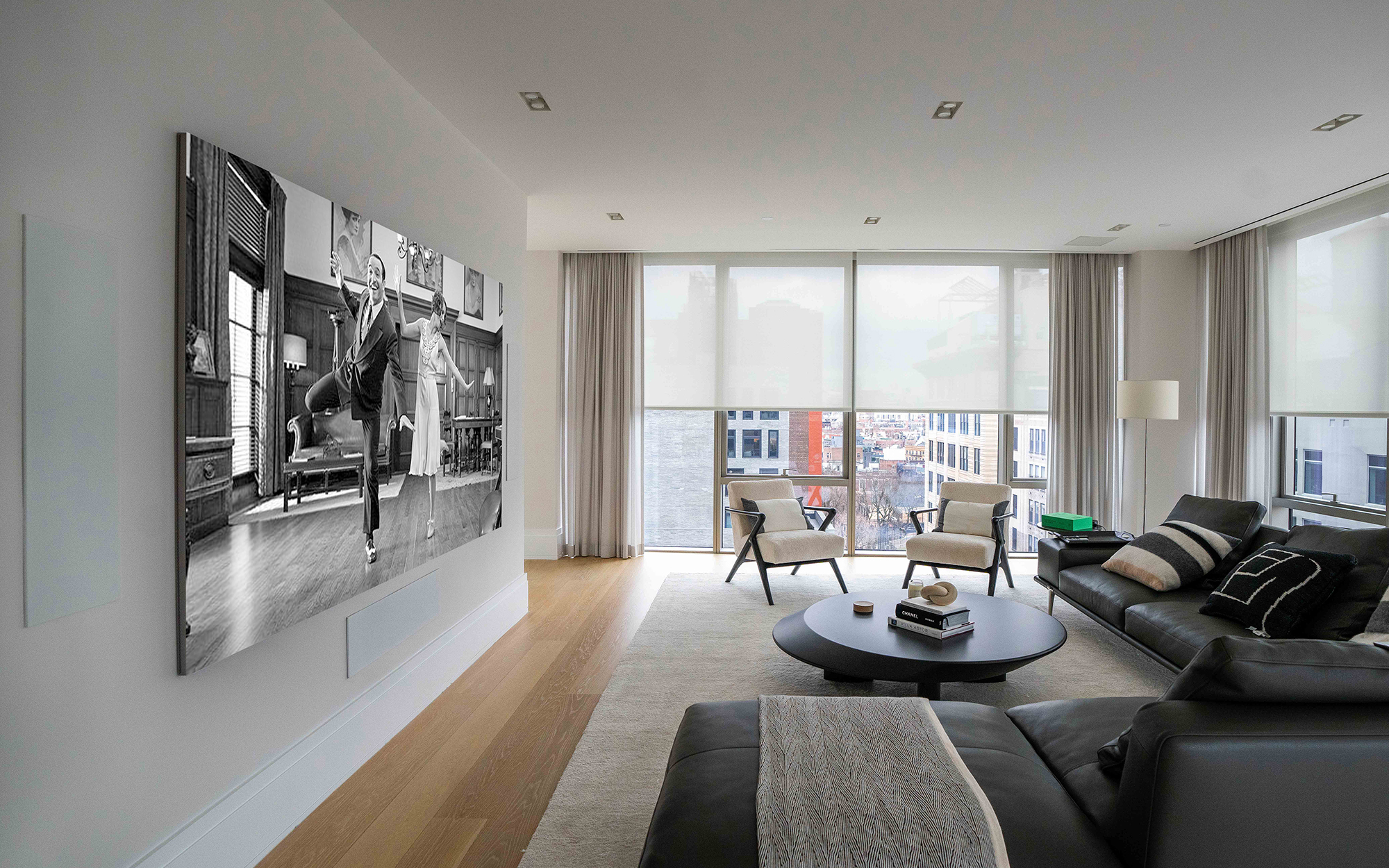
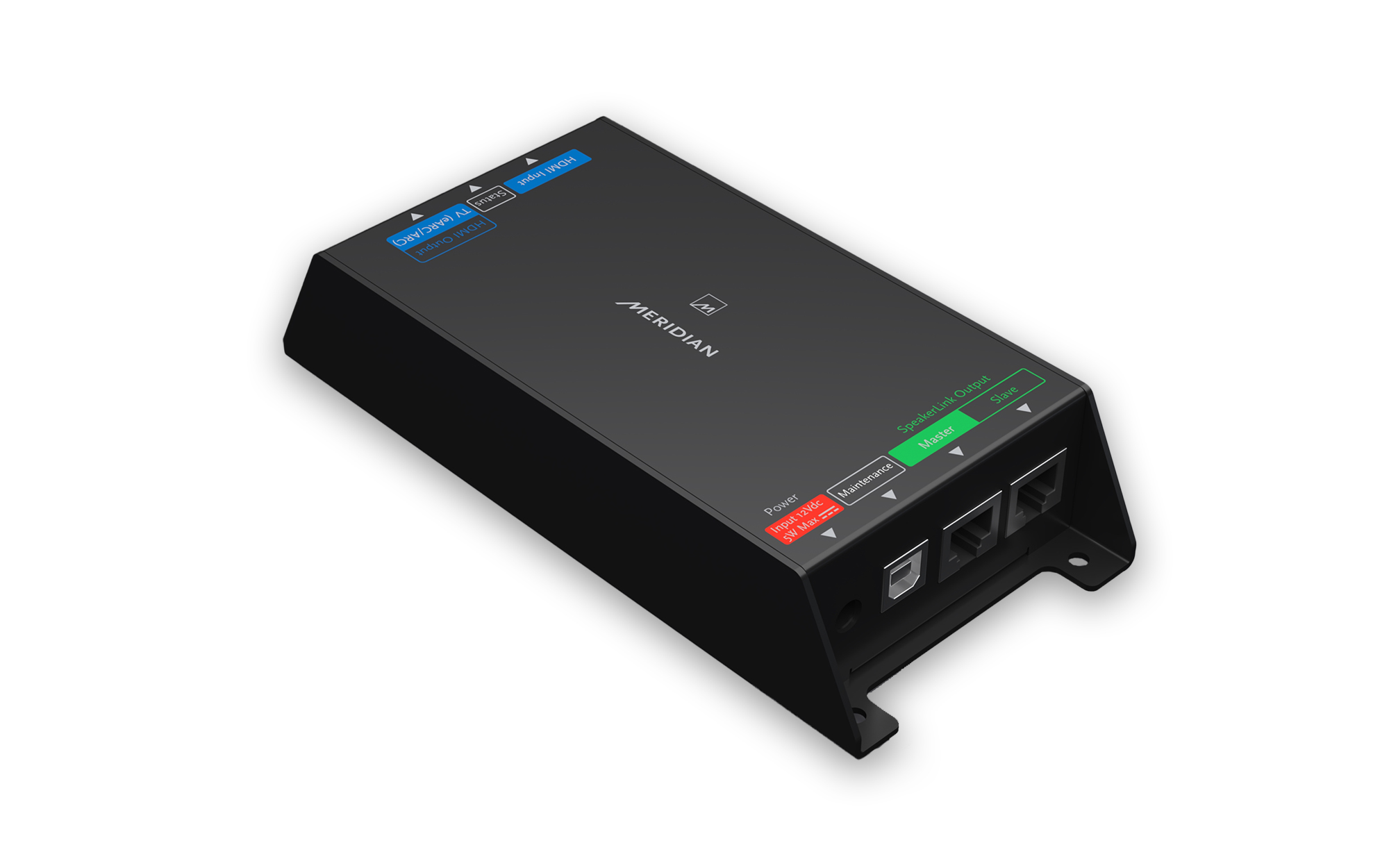
Compact and discreet, the UHD121 connects directly between a TV’s HDMI eARC/ARC port and Meridian DSP loudspeakers via SpeakerLink. Fully CEC enabled, the system powers on and off with the TV, and volume is controlled from the TV’s own remote. This delivers a seamless experience: high-performance sound with simple, intuitive control — no extra remotes, no additional steps. Unlike generic eARC adapters, UHD121 is a manufacturer-engineered, audiophile-grade controller designed for integrators and the Meridian DSP ecosystem.
Flexible system design - daisy-chain or star-wired SpeakerLink connections plus an additional HDMI input for direct source integration.
Luxury sound, simple control - enables Meridian DSP loudspeakers to integrate directly with TVs, all controlled from the TV’s own remote.
Out-of-the-box performance - plug-and-play in most systems, minimising installer time and client training. Works with existing Meridian DSP loudspeaker systems, protecting customer investment and enabling straightforward upgrades.
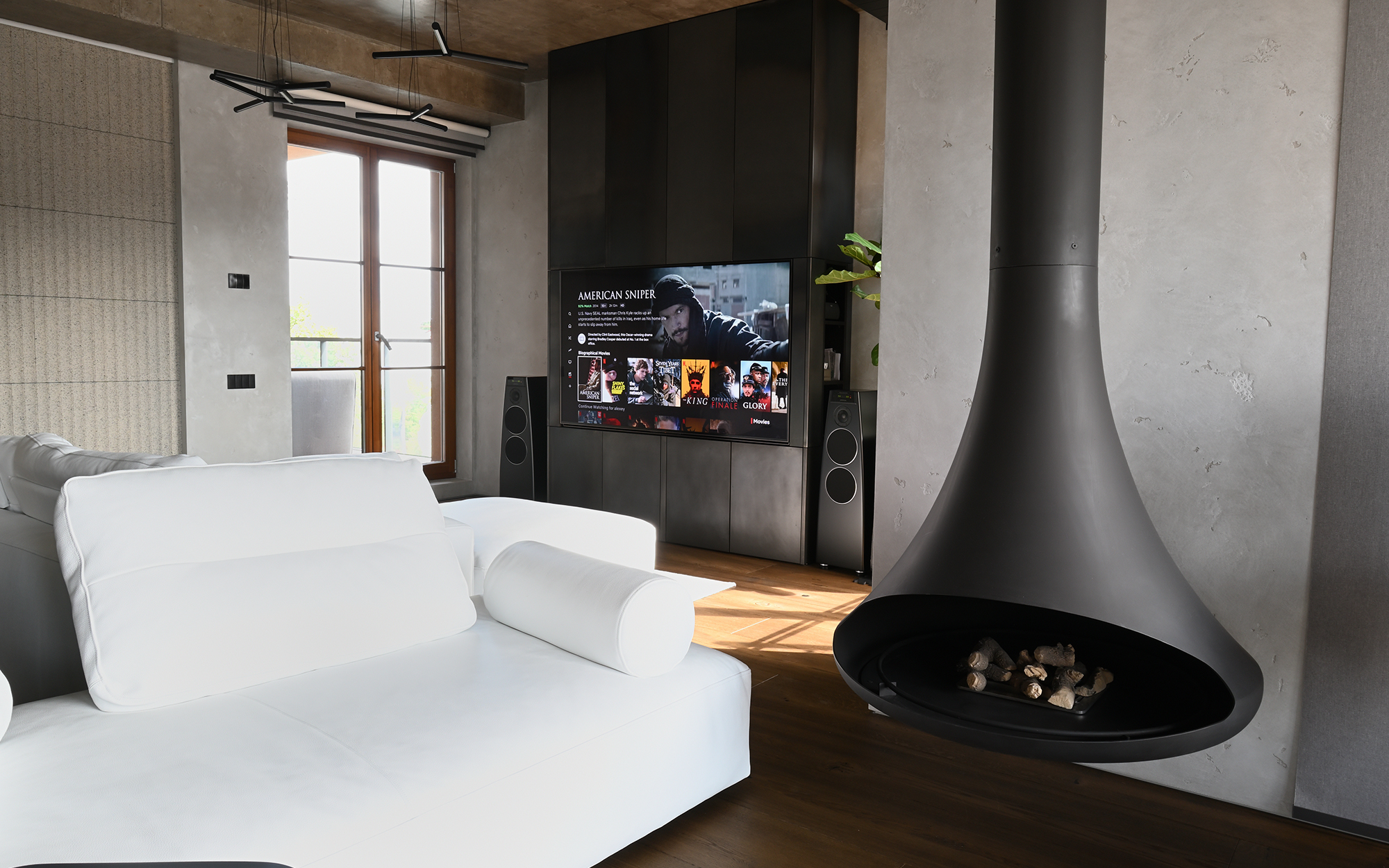
"The UHD121 saves us hours on site with its simple, reliable setup. Our clients love the seamless control from their TV remote, and we love how easy it makes delivering outstanding sound."
Daryl Dembiec, Owner, HEDnorth
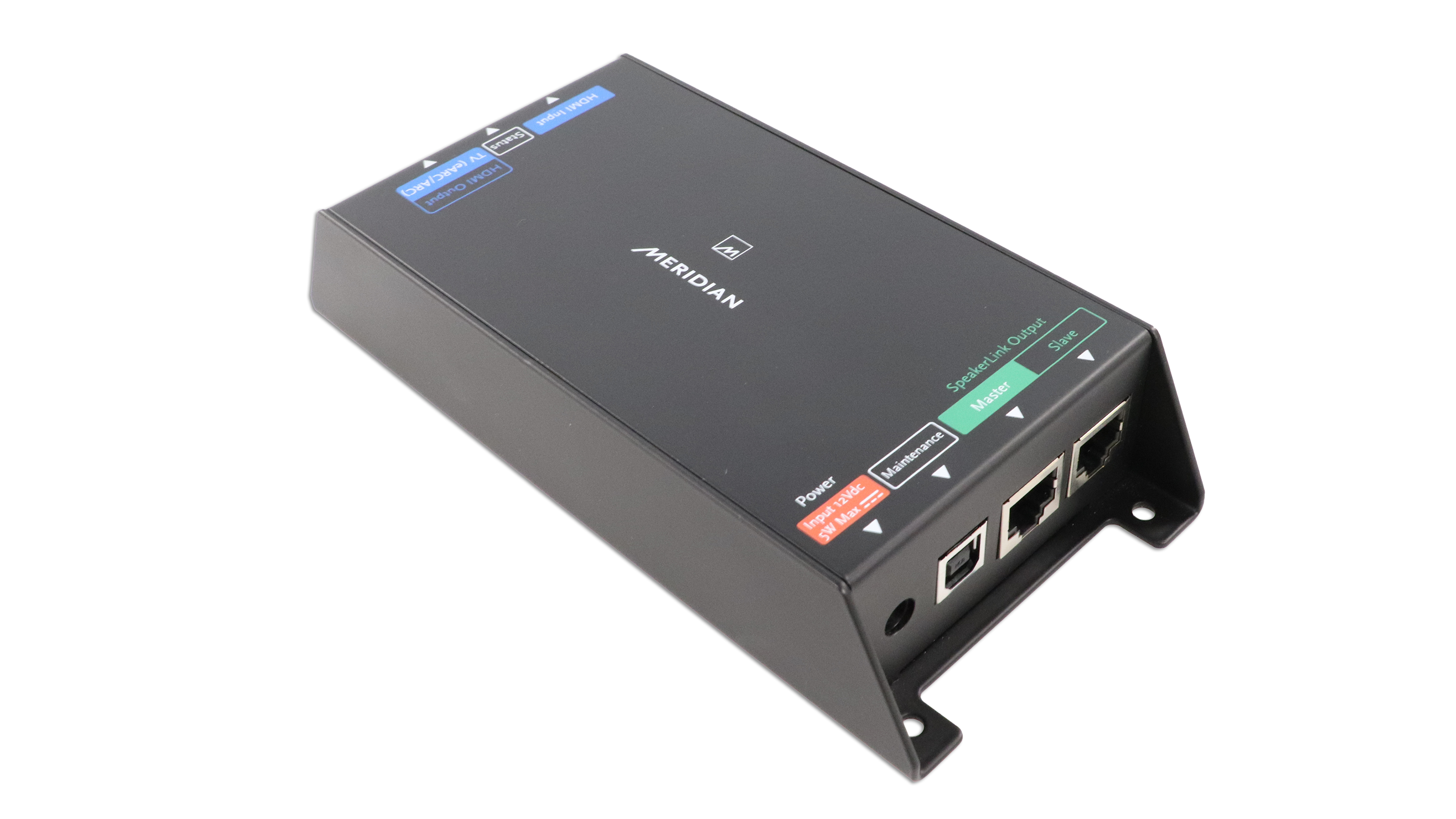
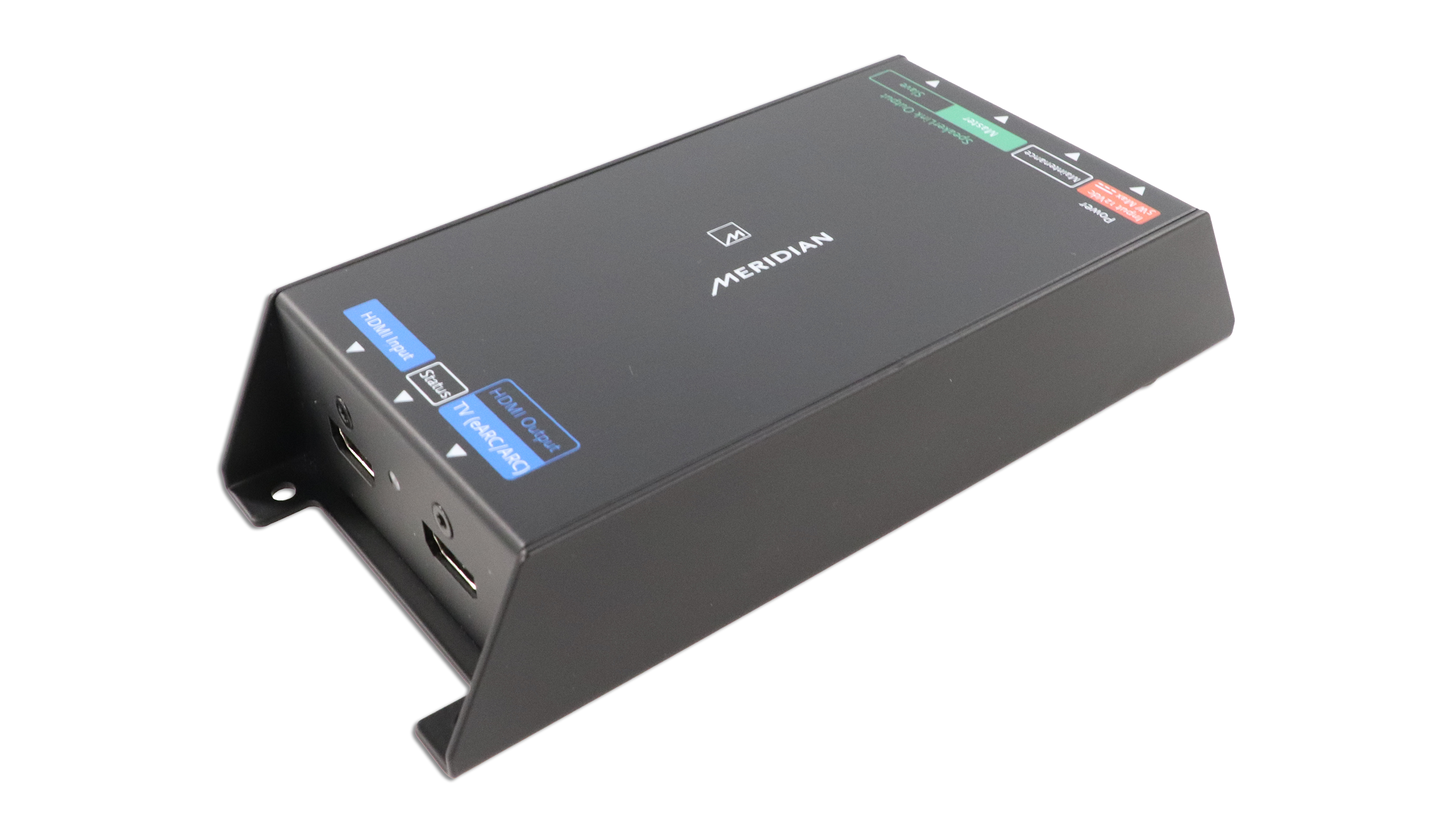
CONNECTIVITY
2x Meridian SpeakerLink: Master and Slave, RJ45
1 x USB- B for configuration and maintenance
1 x HDMI: CEC, eARC and ARC compatible
1 x HDMI input socket for additional source product
1 x 12V, 5W PSU input
VIDEO CAPABILITIES
HDMI 1.4 & 2.0b, HDCP 2.3
HDR (including HDR10+)
12-bit deep colour
Supports up to 4096 x 2160 @ 60Hz
AUDIO CAPABILITIES
SPDIF digital audio at 44.1kHz, 48kHz, 88,2kHz, 176.4kHz or 192kHz - all up to 24-bit
Encoded Dolby Digital and DTS passthrough (no decoding)
CONTROL OPTIONS
CEC over HDMI
Meridian SpeakerLink
Meridian Control app via USB from Windows PC or MacOS
Third-party control systems using the Meridian Automation Interface
POWER OPTIONS
Via Master SpeakerLink socket
External PSU (available separately), 12V, 5W
DIMENSIONS
HEIGHT: 35.5mm [1.4in]
WIDTH:80mm [3.2in]
DEPTH: 170mm [6.7in]
WEIGHT: 0.52kg [1.1lbs]
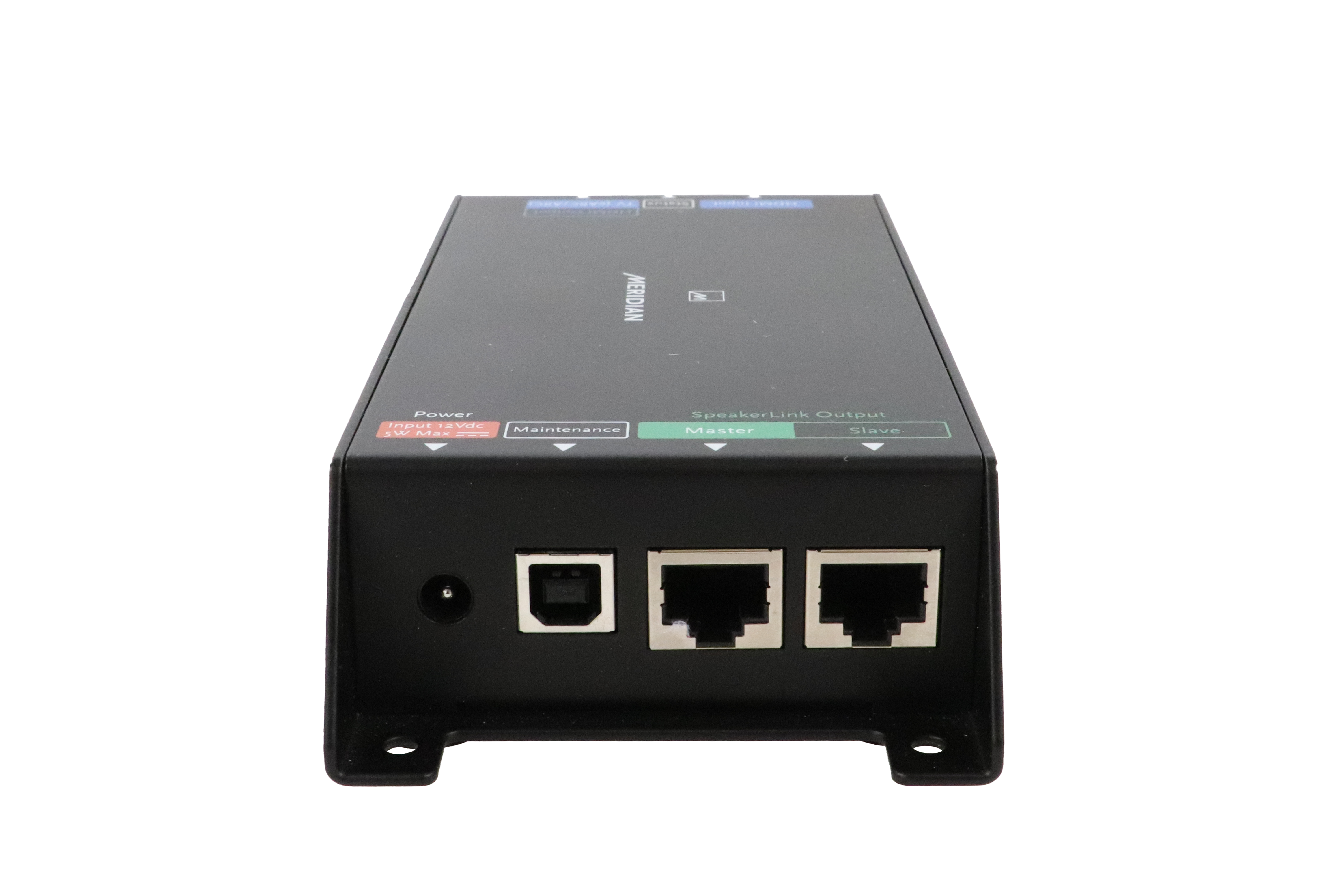
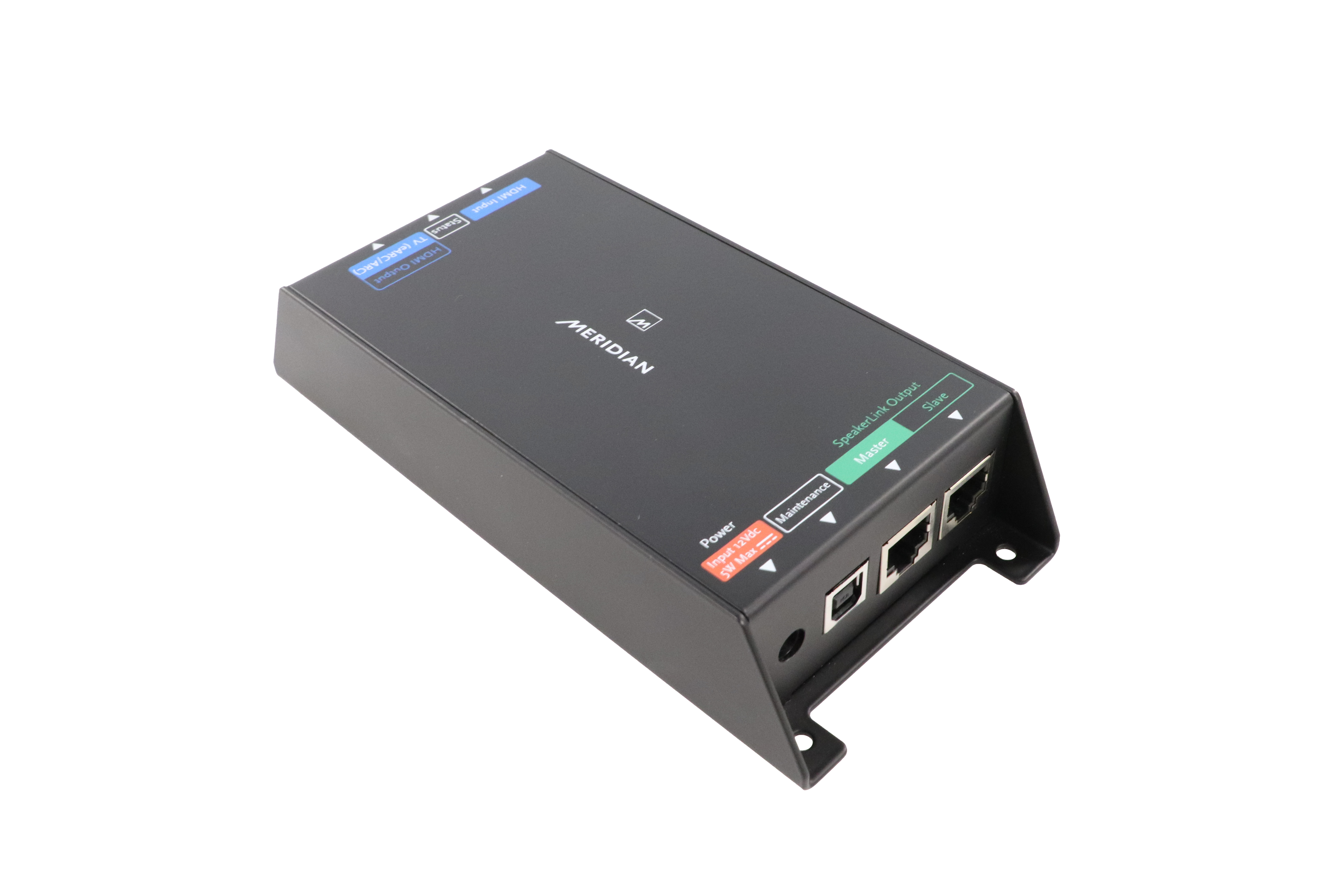
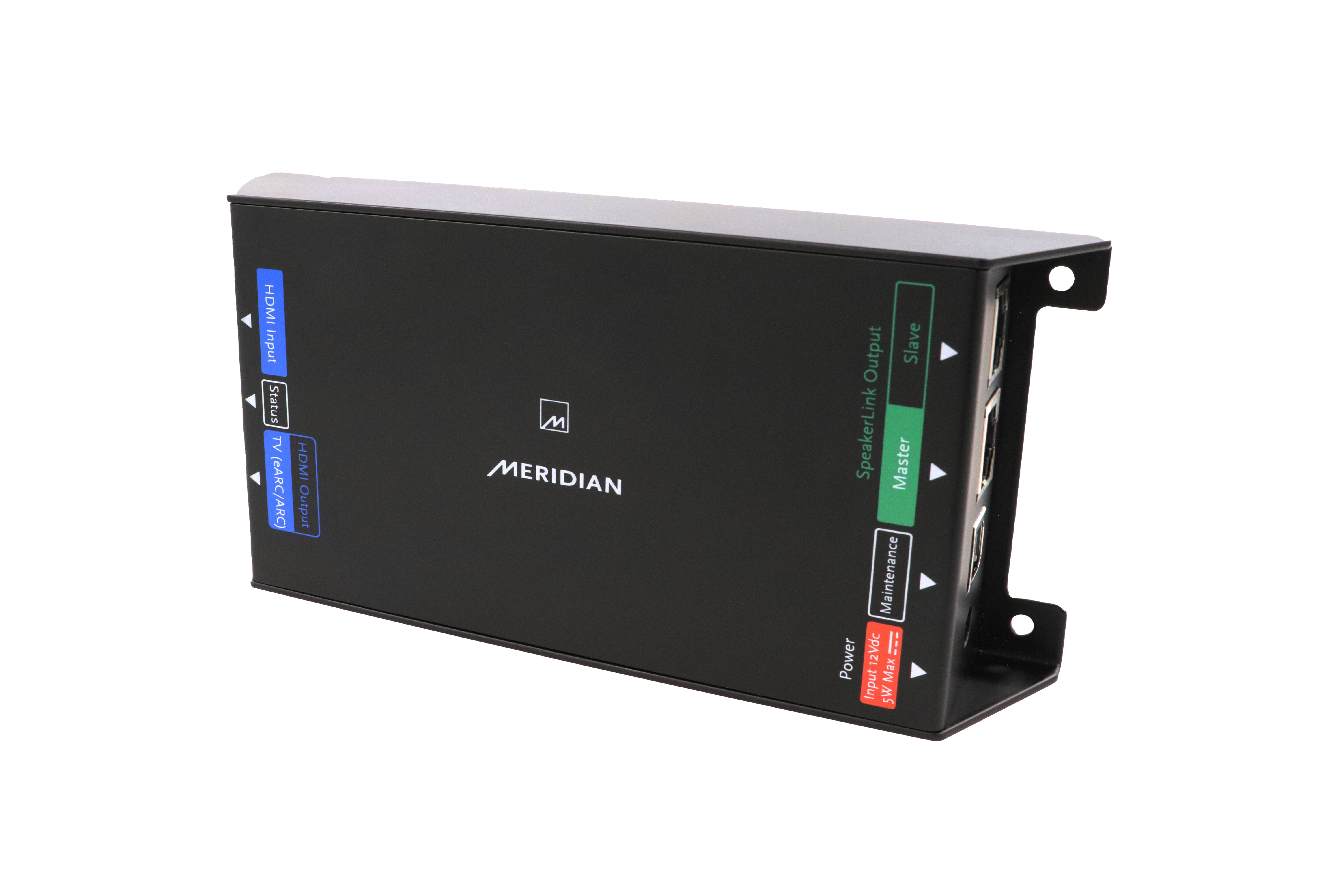
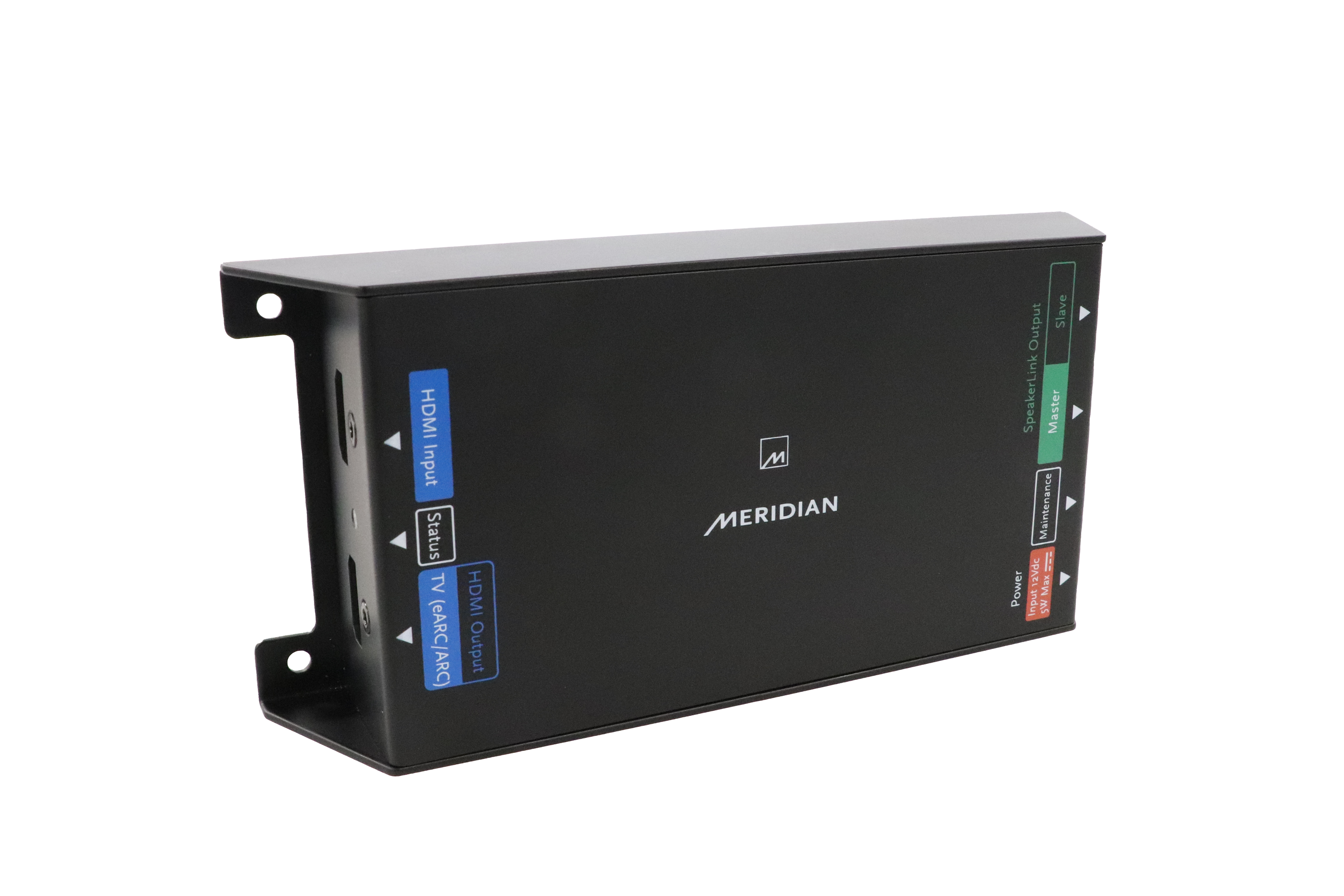
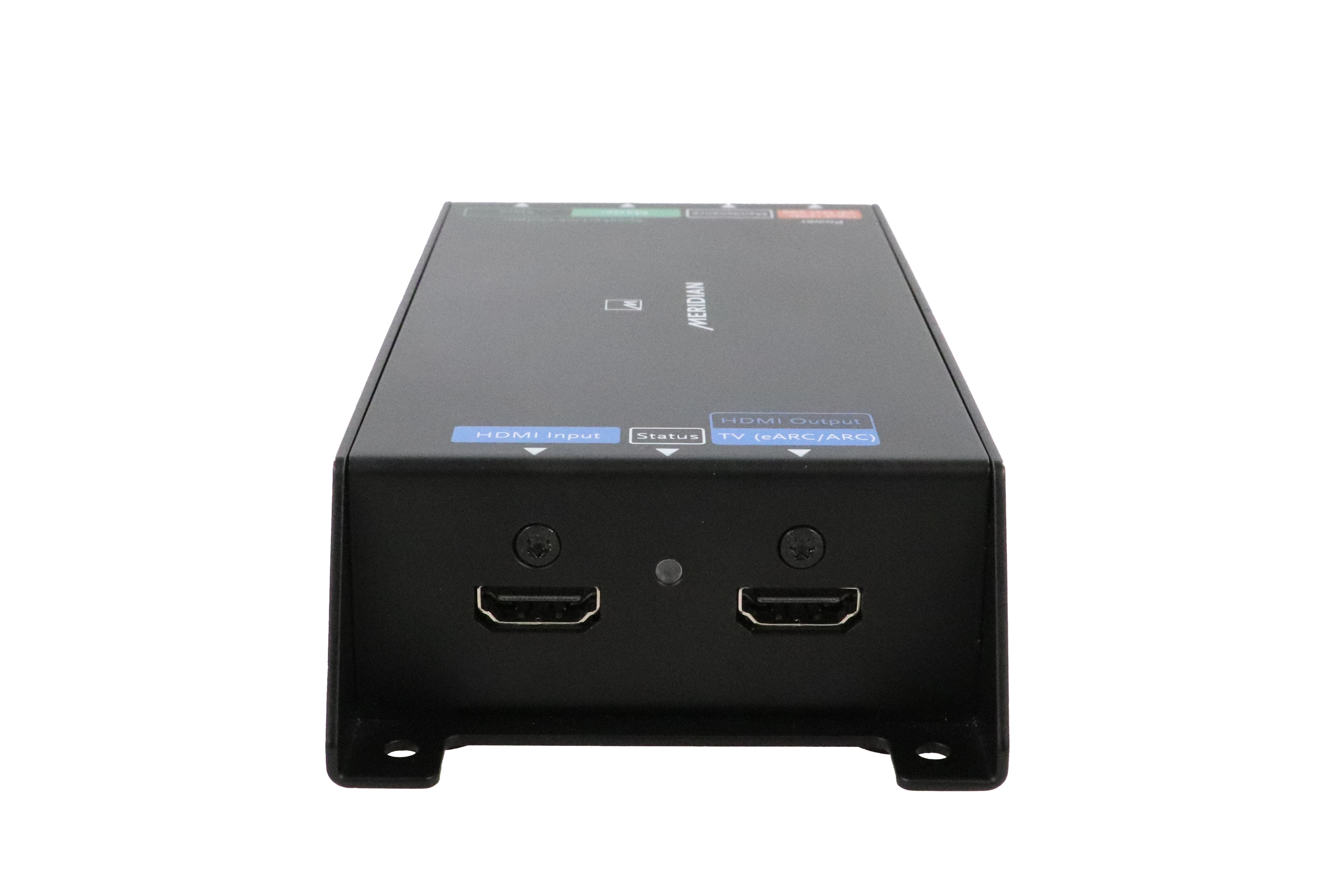
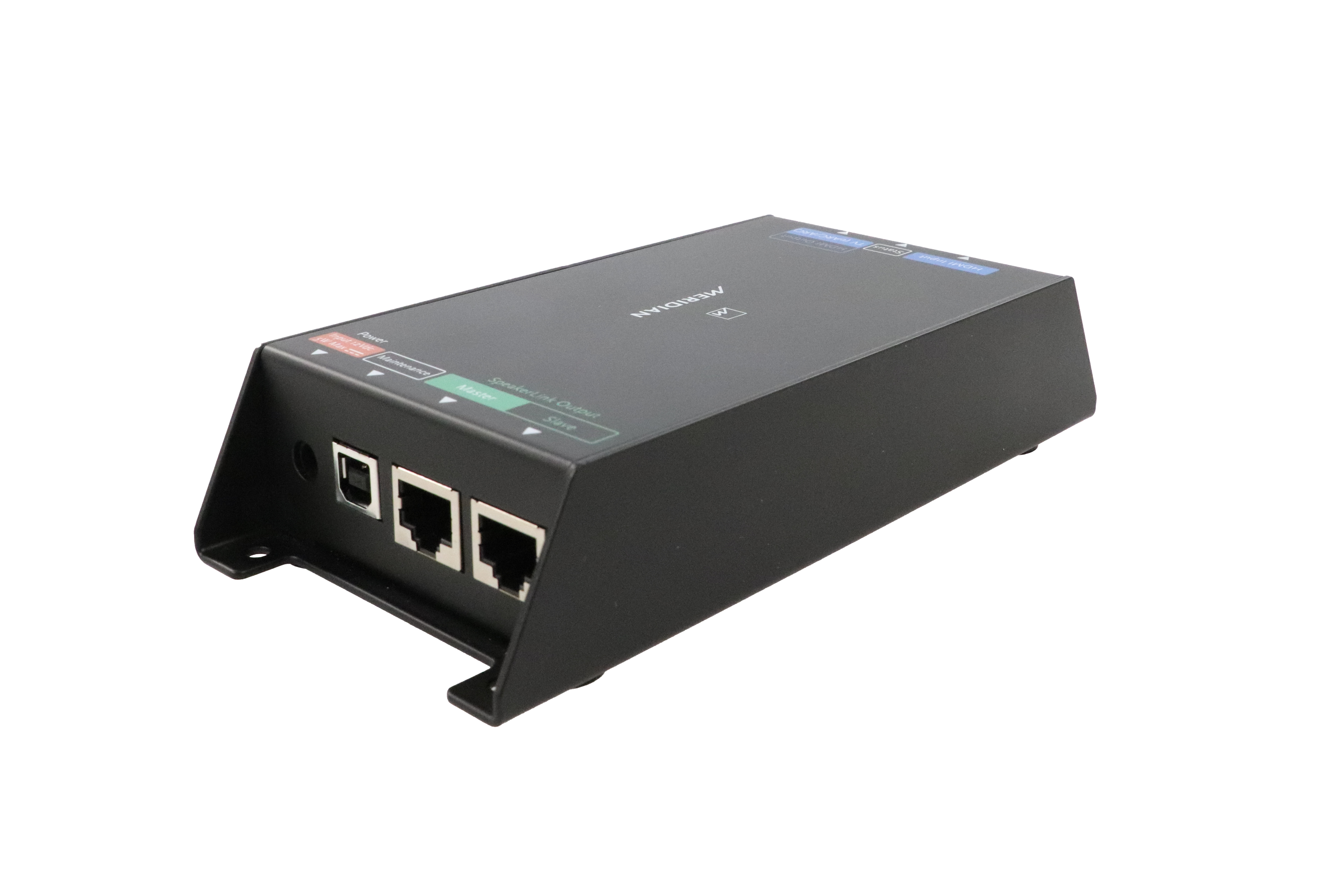
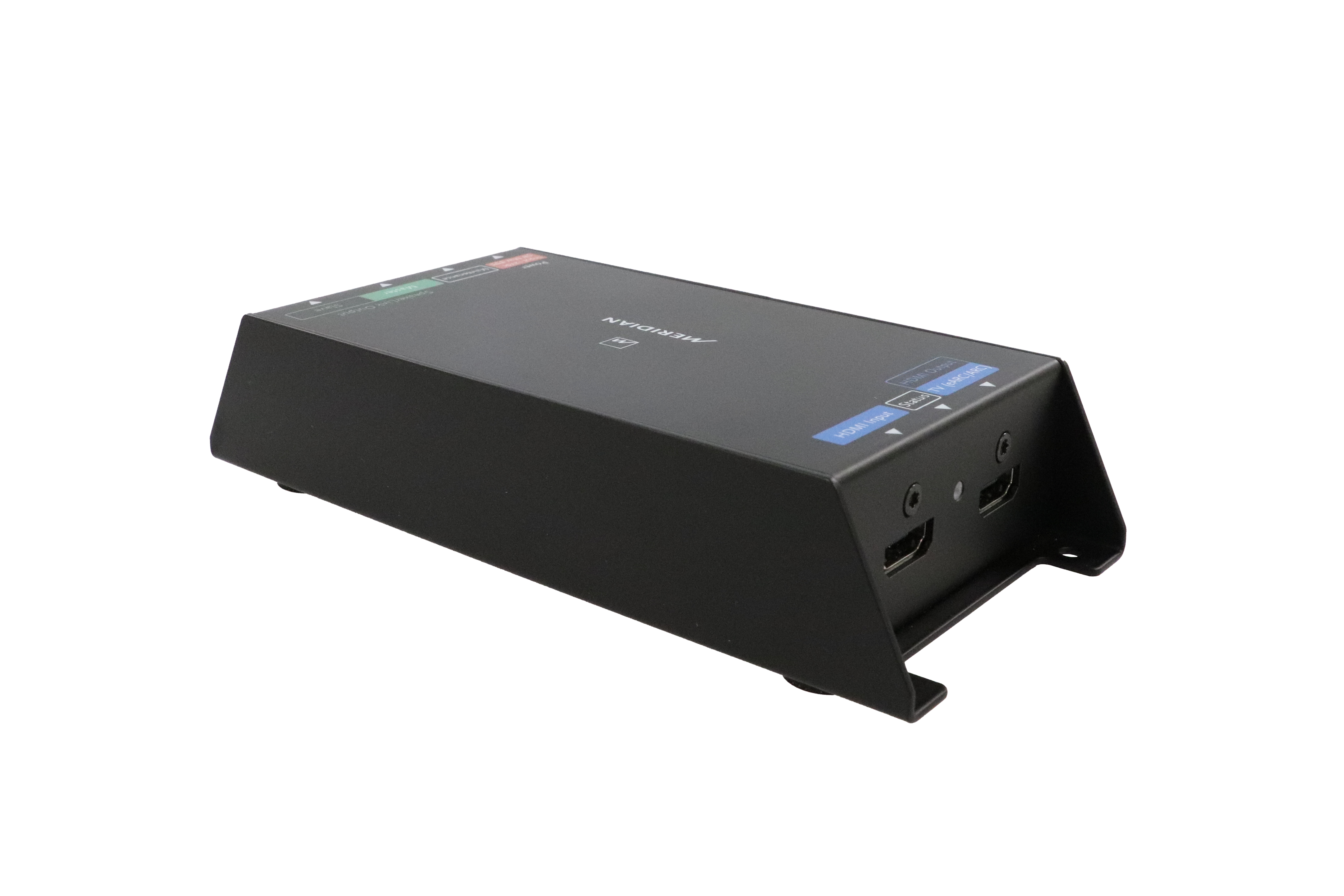
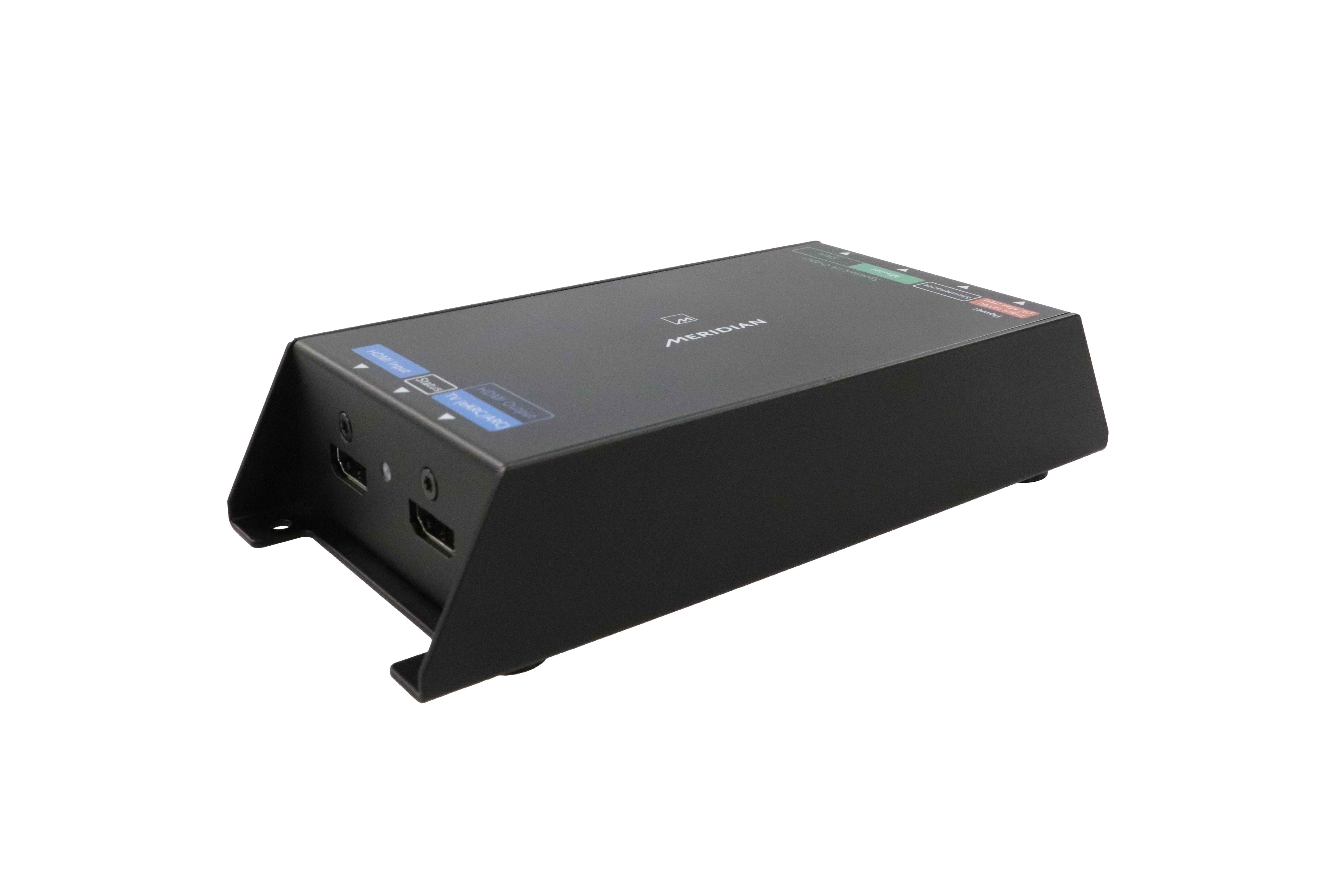
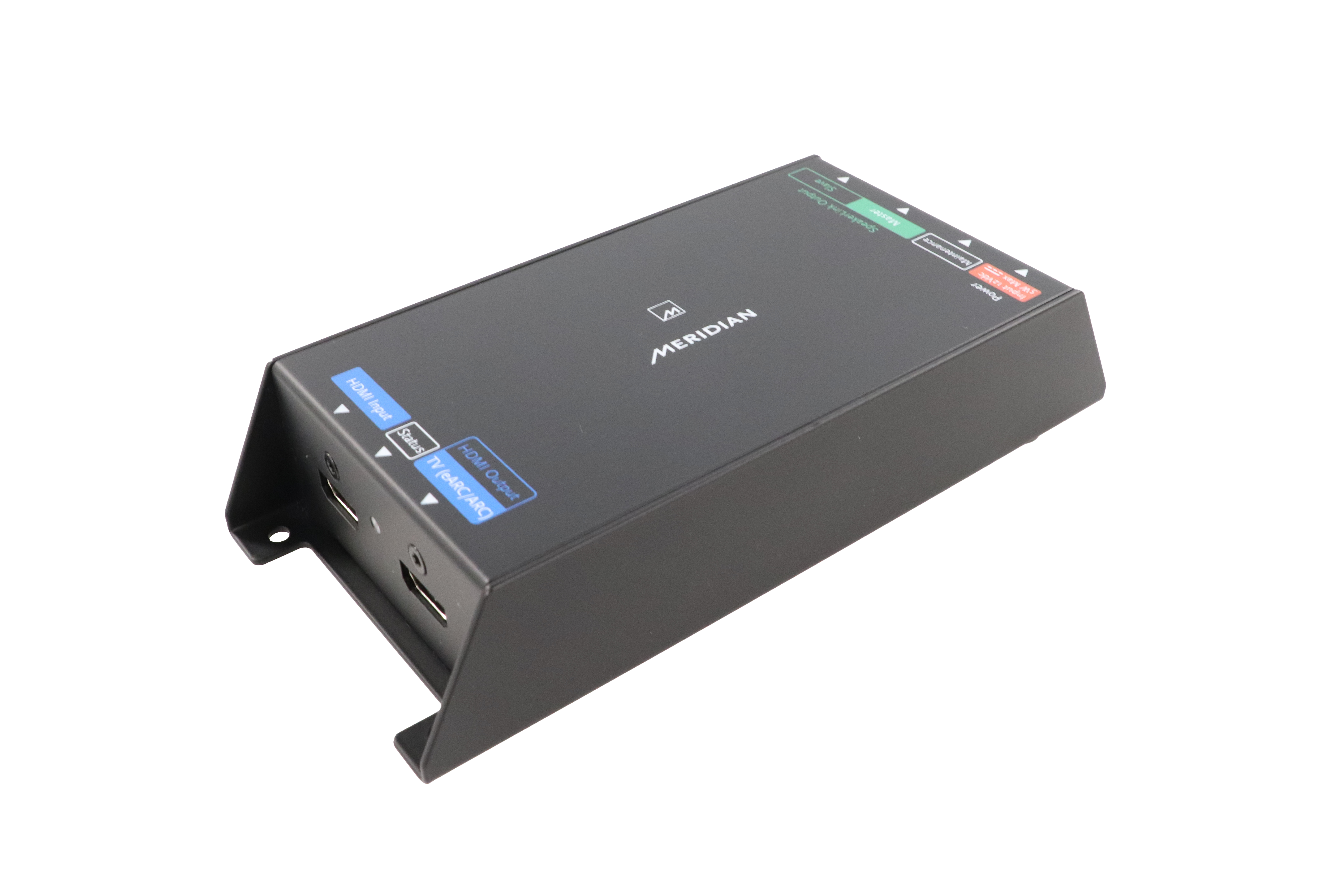
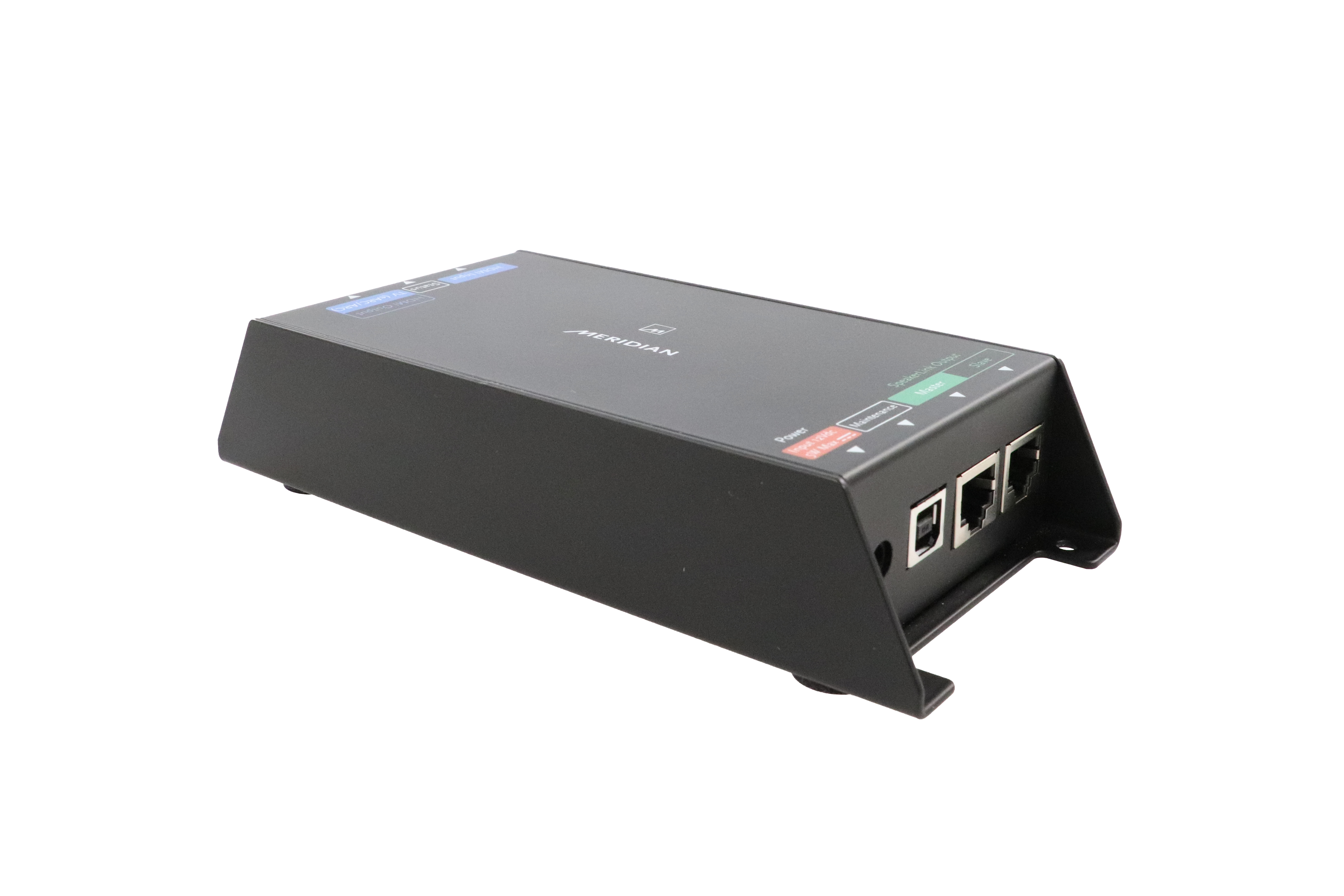
The Meridian UHD121 allows simple integration between Meridian loudspeakers and a TV with an eARC- or ARC-enabled HDMI port.
A typical connection path would comprise of a TV connected to the UHD121 via HDMI, with the UHD121 connected to the Meridian system via a Meridian SpeakerLink cable. Sound from the TV is fed to the Meridian system, and the TV and Meridian speakers communicate with each other, switching on together and sharing volume control commands – all from the TV remote control.
Most Meridian products suitable for connection to the UHD121 can supply power via their Master SpeakerLink connection, enabling the product to be used without a PSU. In cases where the product in not capable of powering the UHD121 it can be powered from a PSU (available separately, Meridian stock code PA10993).
The following products have SpeakerLink inputs, but are NOT CAPABLE of powering the UHD121 via SpeakerLink:
• 210 Streamer
• M6 loudspeakers with serial numbers starting with ‘4’ or lower
• AC12 Comms Interface
Note: Distributor 1 and Distributor 3 can power the UHD121 as long as the Distributor is not used in conjunction with any of the products listed above.
The UHD121 has been designed to work using its default settings in the majority of Meridian systems. Further configuration is needed only in certain scenarios, including:
When a particular default volume level is required on power-up. The desired level can be chosen within the UHD121’s configuration settings. Note: When taken in and out of Standby, the UHD121 reverts to the previously used volume level, rather than this chosen power-up setting.
When automatic system wake-up on power-up or after a power outage is required.
When installing the UHD121 in a system featuring another Meridian ‘Controller’ product. In such systems, it may be necessary to configure both the UHD121 and the other Meridian Controller product so that the chosen input and source assignment is correctly matched across the two Meridian products.
Configuration is carried out using the Meridian Control app running on a Windows PC or a MacOS device connected to the USB Maintenance connection. Refer to page 10 of the User Guide for further information.
The behaviour of the LED indicates the status of the UHD121:
|
|
Status |
|
Colour |
|
|
Standby |
|
Solid blue |
|
|
On |
|
Solid white |
|
|
Configuration mode |
|
Cyan |
|
|
Booting |
|
Flashing blue |
|
|
Firmware updating |
|
Flashing white |
|
|
Firmware updated successfully |
|
Brief flash green |
|
|
Firmware update failed |
|
Brief flash red |
Two possible explanations for this are:
FFA
FREE-Q
EXTENSION LIMIT
RESONANCE CONTROL
SUB MODE
SUB FILTER
SUB GAIN
PERFECT BALANCE
IMAGE ELEVATION
Multichannel Dolby Digital and DTS signals can be passed through the UHD121 and onto a connected surround-sound processor.
Please note: The UHD121 cannot handle lossless multichannel formats such as Dolby TrueHD or DTS-HD Master Audio.
Yes, this can be done using a Meridian AC12 Comms Interface (also known as a SpeakerLink Adapter) to convert the Master SpeakerLink connection to Meridian legacy comms and audio connections.
By default, the UHD121 is configured with the Meridian TV logical source assigned to the eARC-/ARC-enabled socket so that, when the TV is switched on, the Meridian system wakes up with its TV source selected. By default, the second HDMI input is associated with the DVD source. If one of the other logical sources is more appropriate than DVD, it can be changed accordingly using the Meridian Control app.
Here you will find a quick overview of the product highlights and features.
Here you will find installation information and operating instructions.
Here you will find a summary of the complete range of Meridian products in one-document.